A gaming room is so much more than a desk and a screen! It’s your own little world where you can play, stream, hang out with friends and fully switch off after a long day.
The best part is you don’t need a massive space or budget to make it amazing.
The right lighting, a comfy setup and a few smart upgrades can completely change how your room looks and feels.
Here are 24 gaming room ideas to help you build a setup you’ll never want to leave!
Plan on revisiting? Pin this for later!
This post may contain affiliate links, I may earn an extra commission, at no extra cost to you.
What Makes a Great Gaming Room
Every great gaming room balances looks and comfort. Keep these basics in mind:
- Comfort first: A good chair and screen height matter more than anything.
- Smart lighting: Soft backlighting is easier on your eyes than a dark room.
- Clean cables: Hidden wires make any setup look twice as good.
- Good airflow: Consoles and PCs need space to breathe.
- A clear theme: Pick a color scheme and stick to it.
Nail these and your gaming room will look amazing and feel even better!
Gaming Room Styles to Try
1. Go All Out With RGB Lighting
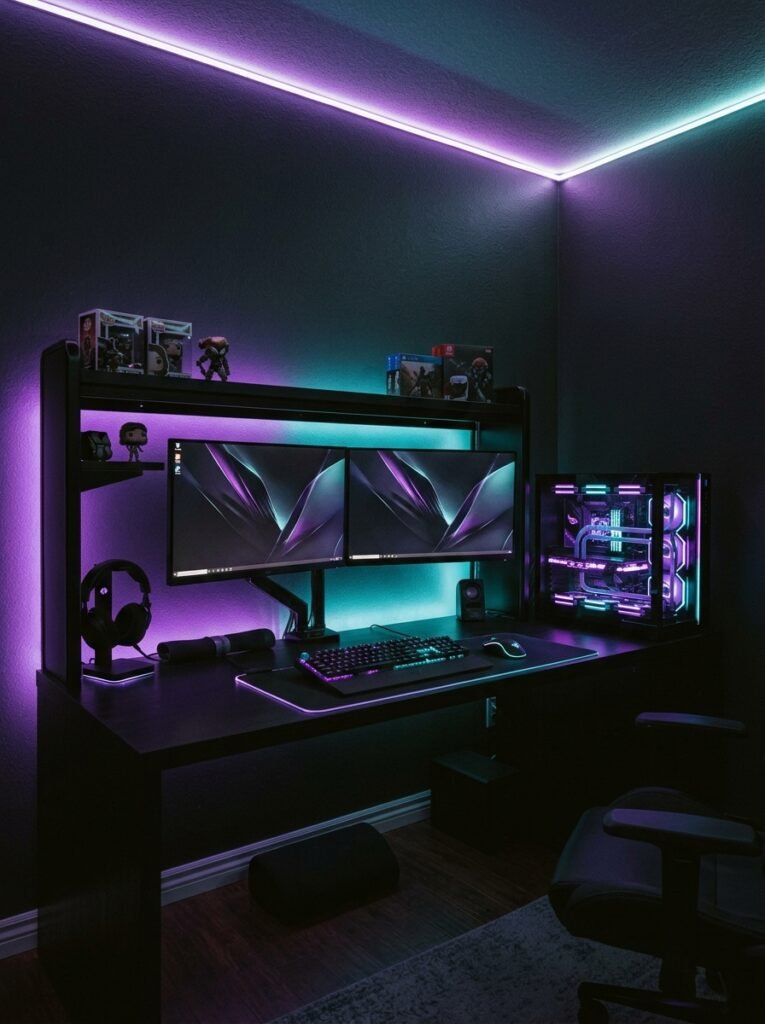
Nothing screams gaming room like glowing RGB lights! LED strips, light bars and RGB accessories let you paint your whole room in color.
Sync everything through one app so your keyboard, mouse, PC and walls all match. Pick one or two main colors instead of a full rainbow for a cleaner, more stylish look.
The right RGB setup makes your room feel like a real gaming headquarters!
2. Try a Clean All-White Setup
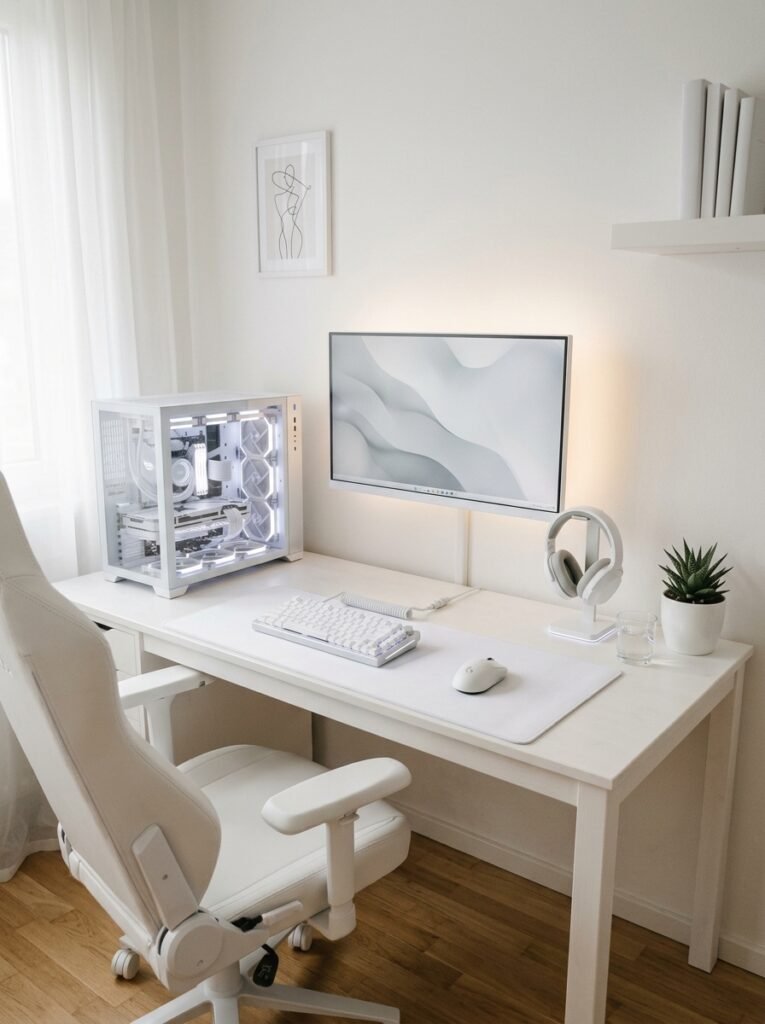
Not every gaming room has to be dark! An all-white setup feels fresh, bright and super clean. It’s perfect if you stream.
Pair a white desk with a white keyboard, mouse, headset and chair, then add soft white or pastel lighting. Keep cables hidden so nothing breaks up that crisp, minimal look.
An all-white gaming room looks so fresh on camera and in real life!
3. Build a Stealthy All-Black Setup
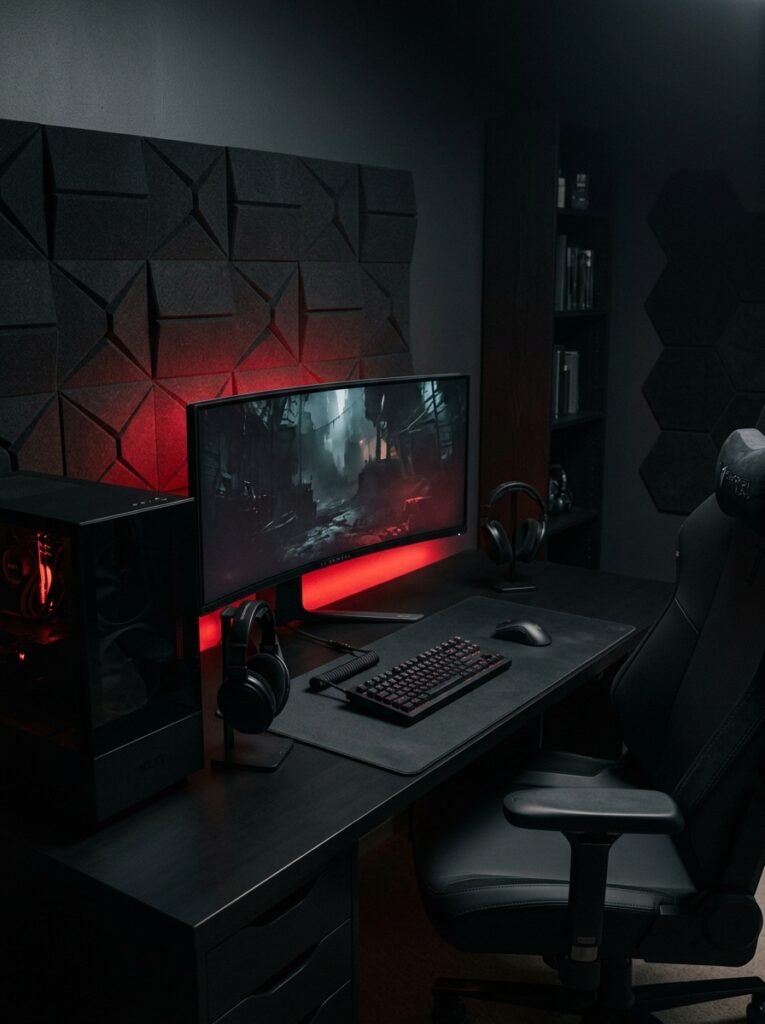
Love a sleek, moody vibe? An all-black gaming setup looks powerful and premium! It also hides dust and scuffs really well.
Go for a matte black desk, chair and accessories with dark gray walls or acoustic panels. A single accent color in your lighting, like red or cool blue, makes everything pop.
All black with one glowing accent color is a look that never gets old!
4. Make It a Cozy Gaming Room
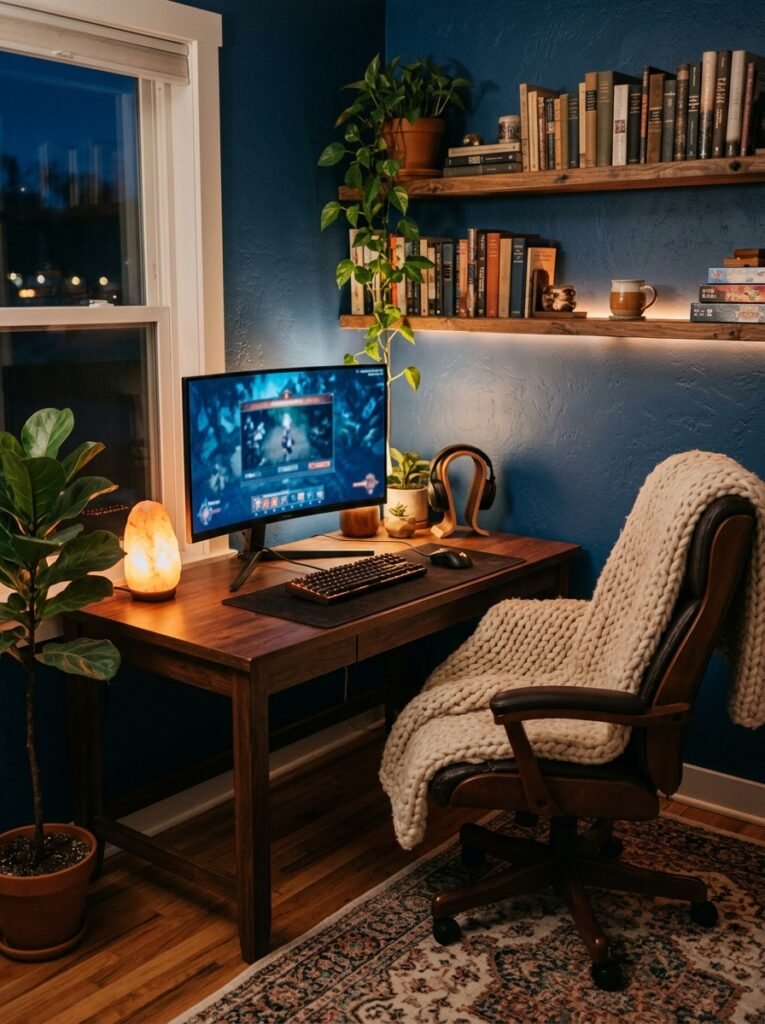
Gaming rooms don’t have to feel cold and techy! A cozy setup mixes warm lighting, soft textures and comfy seating for long sessions.
Add a plush rug, a chunky throw on your chair, a few plants and warm white or amber lighting. Wood-toned desks and shelves soften all the tech beautifully.
A cozy gaming room is the kind of space you never want to leave!
Also read: 24 Stunning Dark Academia Home Office Ideas for a Moody Workspace
5. Go Retro With an Arcade Vibe
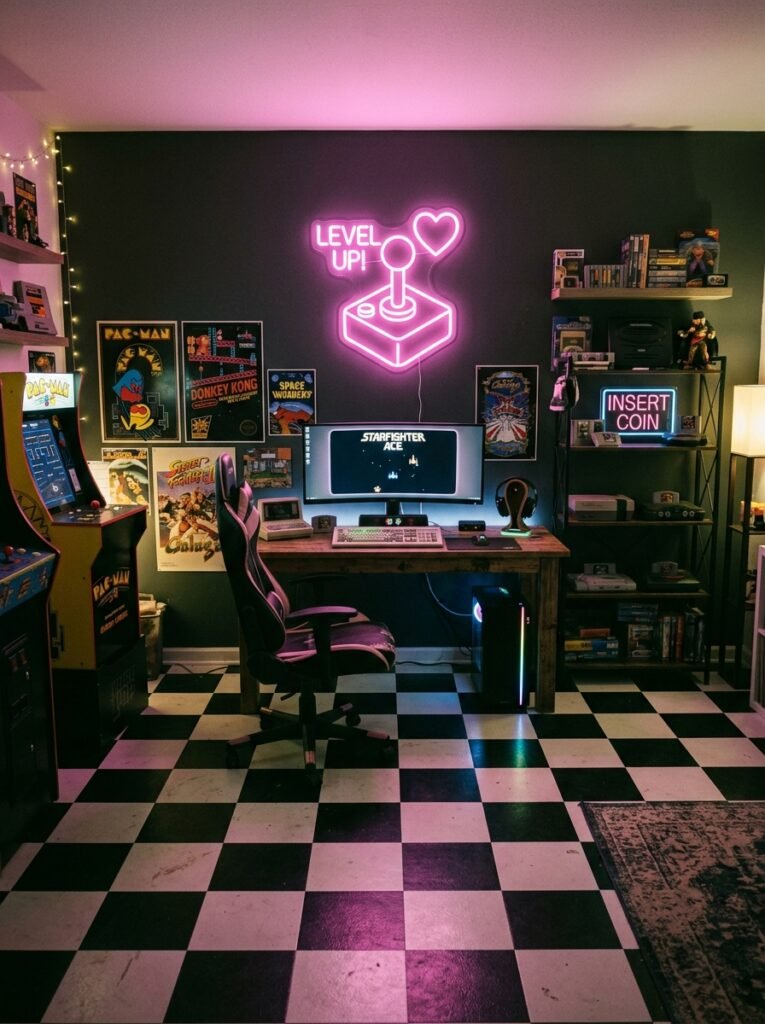
Bring back the golden age of gaming with a retro arcade-inspired room! Think bold neon, checkered floors and vintage-style gaming posters.
A mini arcade cabinet or a shelf of retro consoles makes the perfect centerpiece. Add a neon sign in your favorite color for that classic arcade glow. Beanbags or a retro diner stool complete the look.
A retro setup gives your gaming room tons of nostalgic personality!
6. Try a Cute Pastel Setup
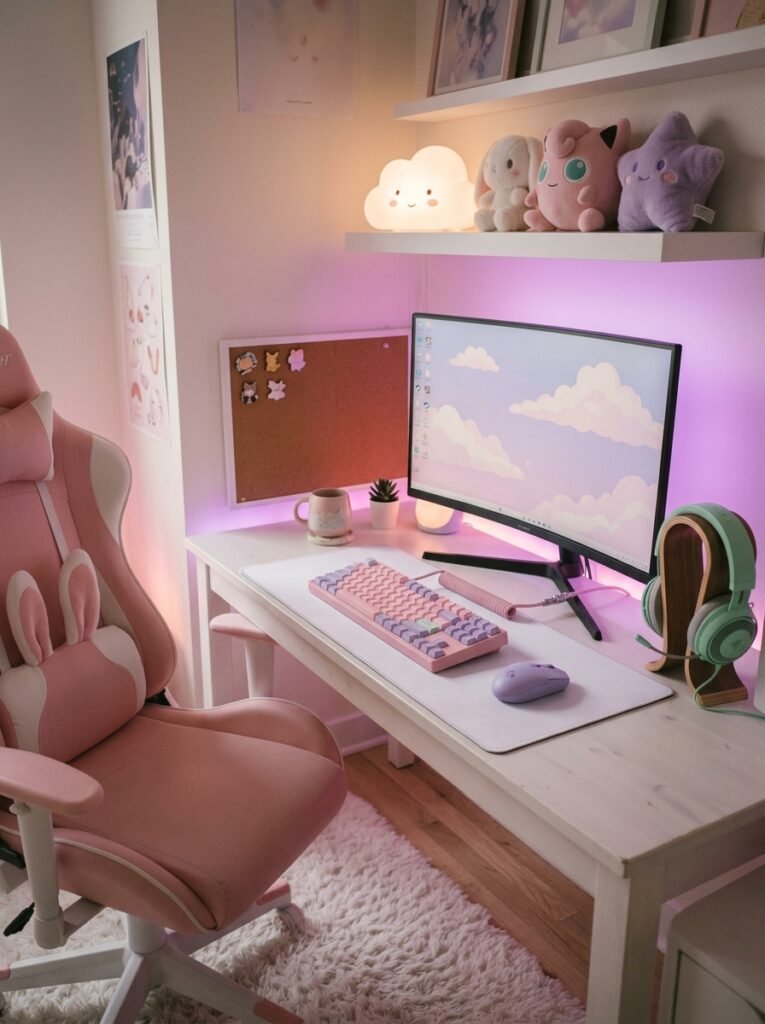
Pastel gaming setups are so fun and cheerful! Soft pinks, lilac, mint and baby blue make your gaming room feel sweet and playful.
Look for pastel keyboards, controllers and headsets, then add cloud lamps, plushies and a fluffy rug. Soft pink or purple lighting ties it all together. Keep the desk tidy so it still feels calm.
A pastel gaming room proves gaming spaces can be adorable too!
7. Add Plants for a Fresh Green Setup
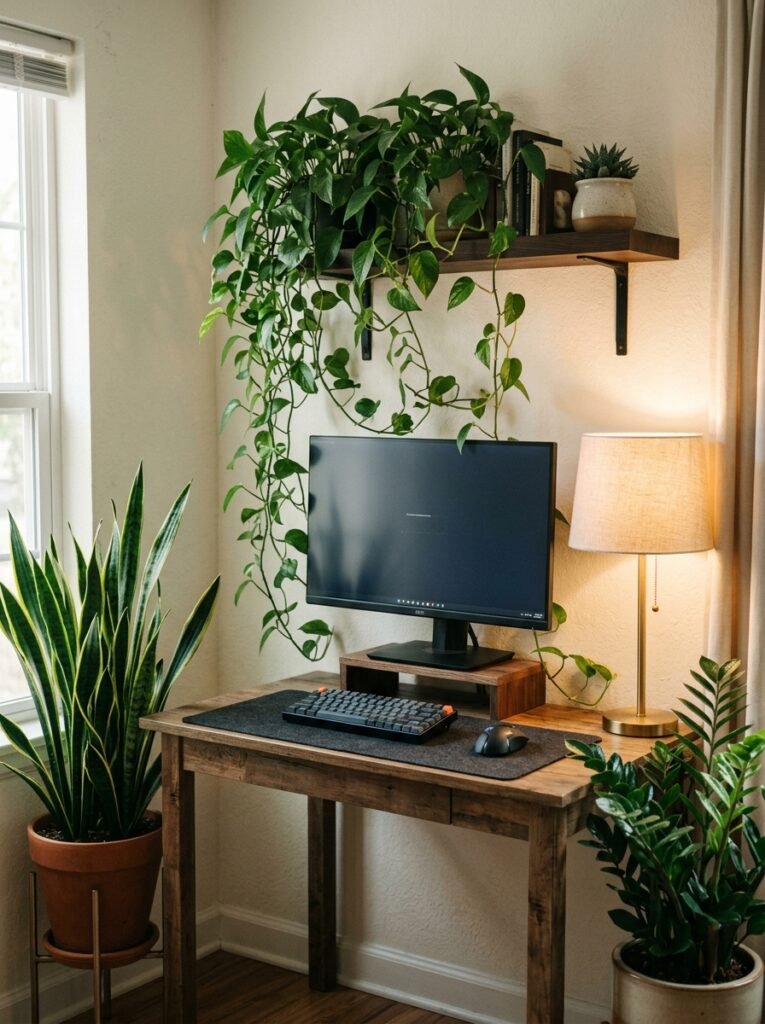
Plants make any gaming room feel calmer and more alive! They soften all the screens and cables with a touch of nature.
Pothos, snake plants and ZZ plants handle lower light well, so they’re great near a desk. If your room is dark, faux plants or a small grow light work too. Keep them away from curious pets.
A little greenery makes long gaming sessions feel so much fresher!
Gaming Room Layout and Furniture
8. Get an L-Shaped Corner Desk
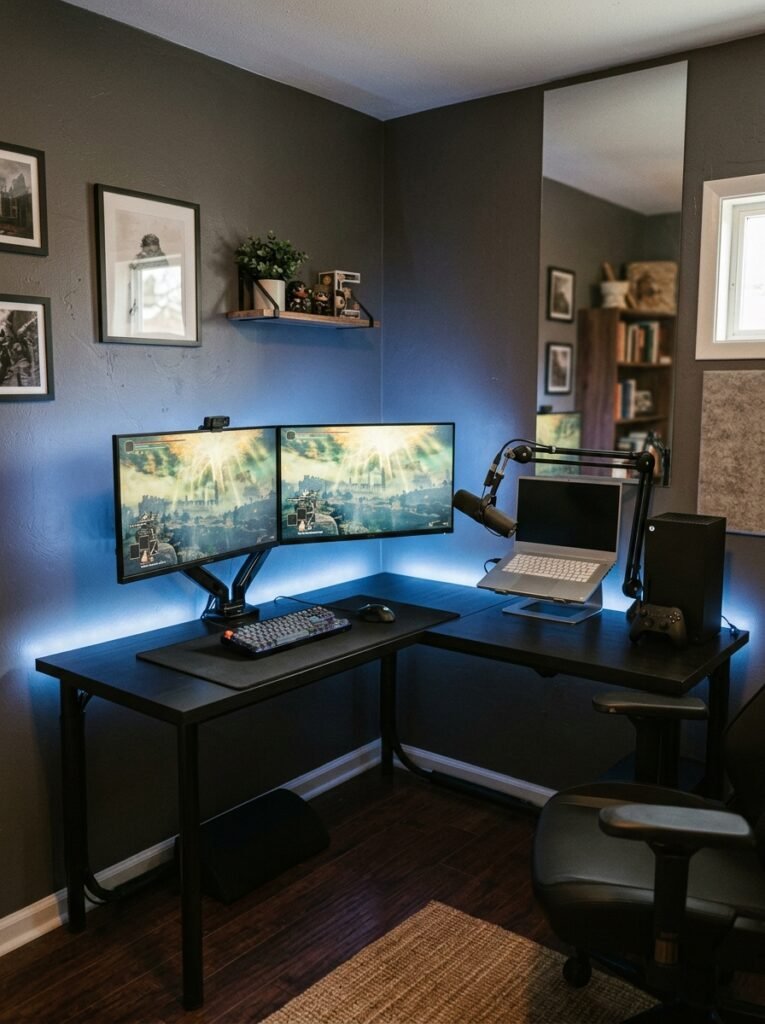
An L-shaped desk gives you tons of surface space without taking over the room! It tucks neatly into a corner and gives you room for everything.
Use one side for your gaming setup and the other for streaming gear, work or a console. It’s perfect if your gaming room doubles as a home office.
A corner desk makes the most of every inch of your room!
Also read: 24 Aesthetic Desk Setup Ideas for a Beautiful and Productive Workspace
9. Use Monitor Arms for Multiple Screens
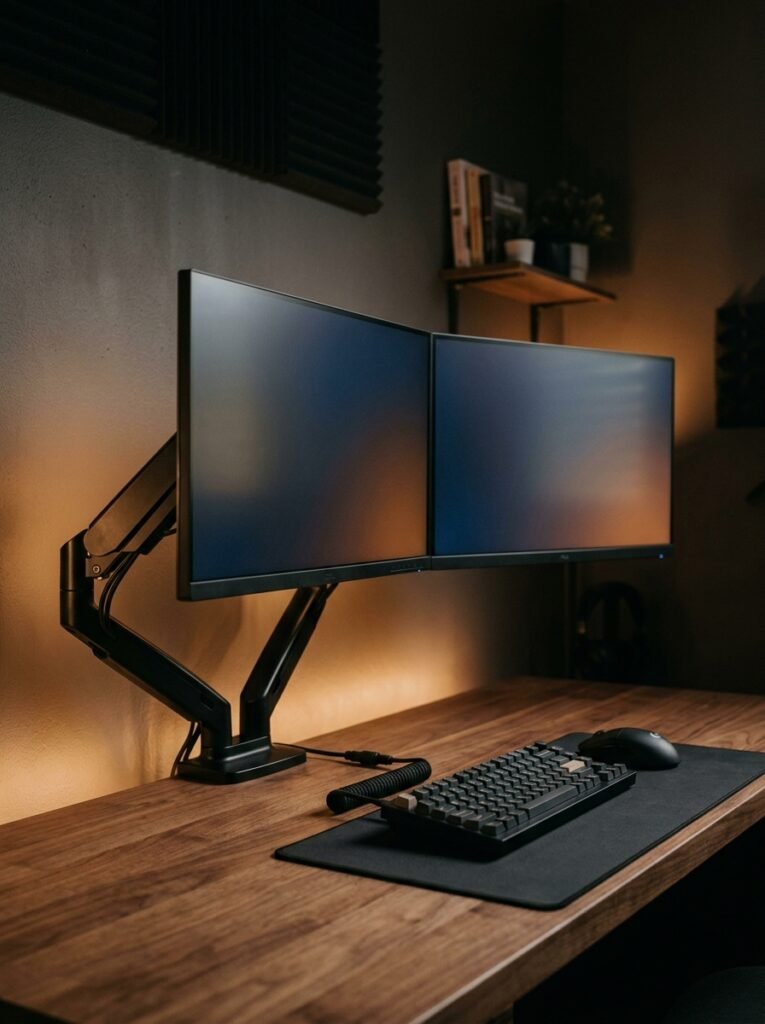
Running two monitors? Monitor arms are a game changer! They lift your screens off the desk and free up tons of space.
You can adjust the height and angle so every screen sits at eye level, which is so much better for your neck. They also make your setup look clean and pro.
Monitor arms make a multi-screen setup look sleek and feel comfortable!
10. Invest in a Comfortable Chair
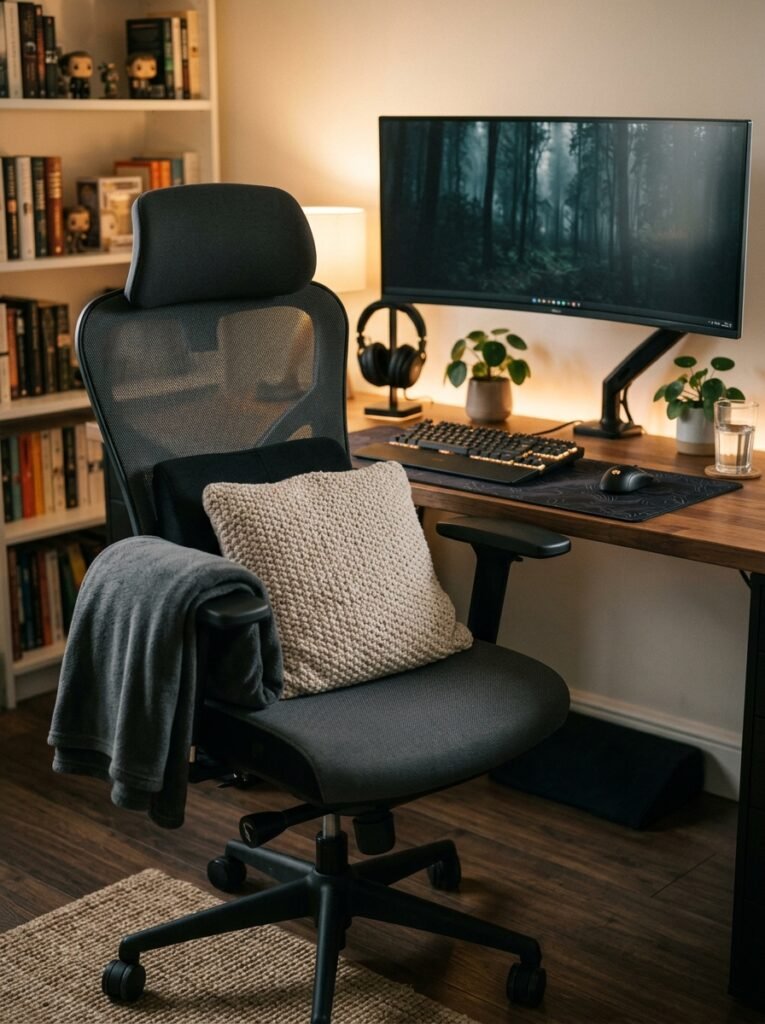
You’ll spend hours in your chair, so it’s worth getting a good one! Comfort matters way more than looks here.
Look for adjustable height, armrests and solid lower back support. Gaming chairs look great, but a quality ergonomic office chair can be even more comfortable for long sessions.
A great chair keeps you comfy and focused through every marathon session!
11. Create a Console Lounge
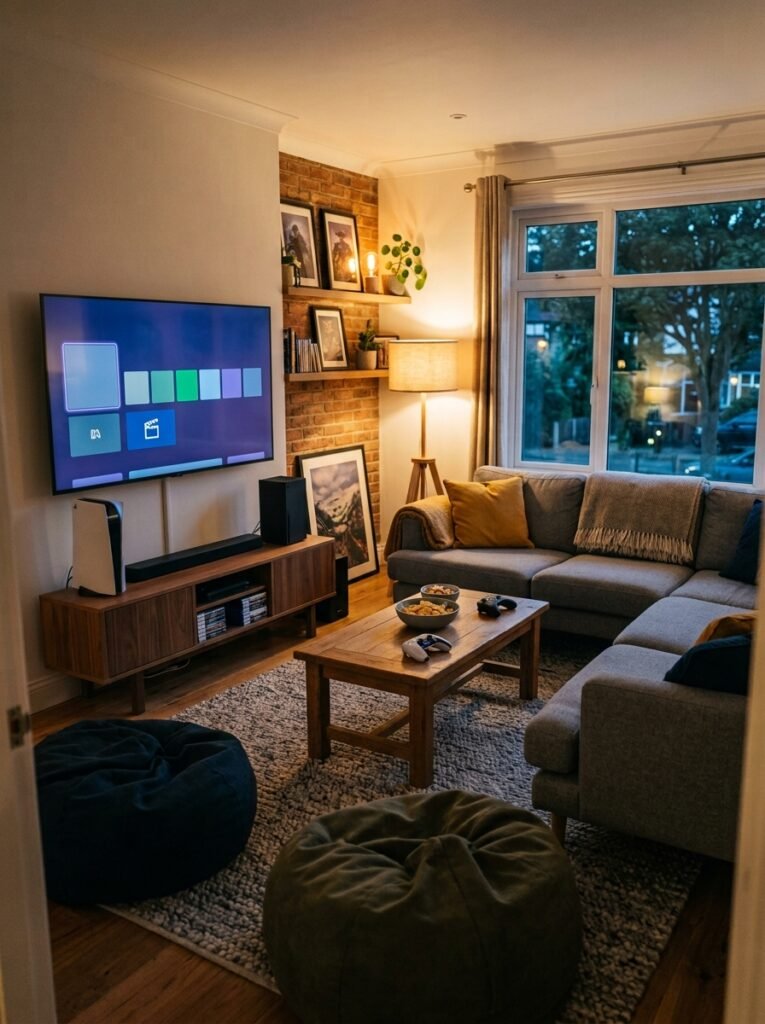
Console gamer? Create a comfy lounge area instead of a desk setup! A big screen, a cozy sofa and plenty of seating make it perfect for game nights.
Add beanbags or floor cushions for friends, a coffee table for snacks and controllers, and a media console to hide your consoles and cables.
A console lounge turns your gaming room into the best hangout spot in the house!
12. Set Up a Streaming Corner
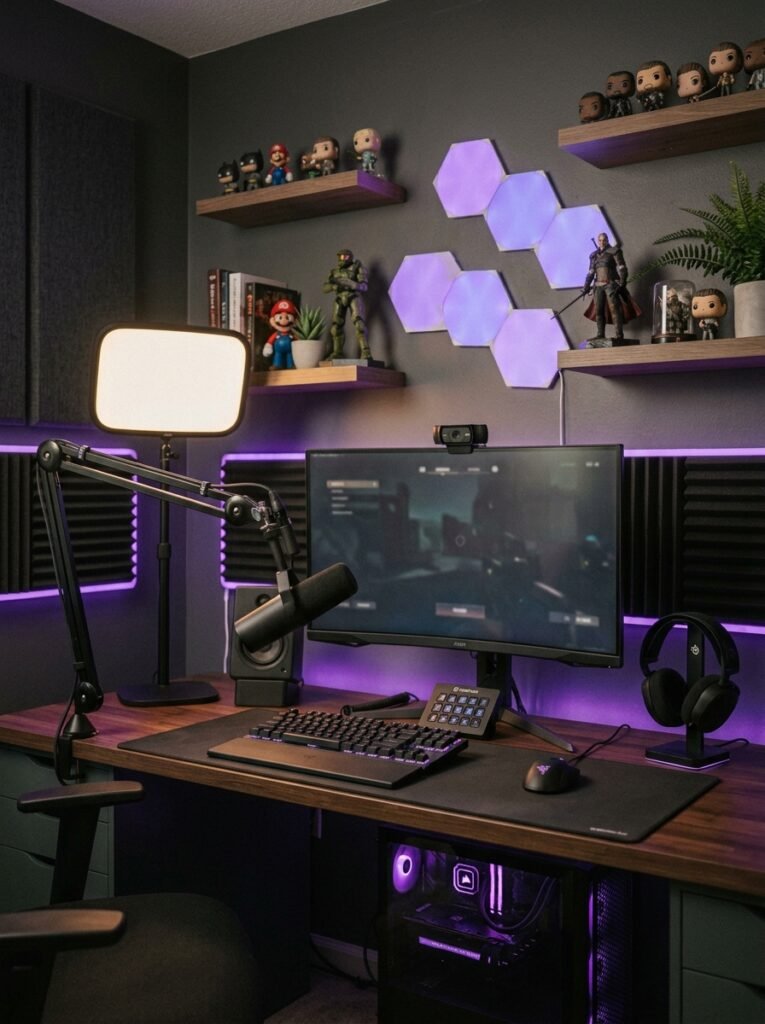
Streaming or making videos? Give yourself a dedicated corner that looks great on camera! What’s behind you matters just as much as your gear.
Add a key light in front of you, a microphone arm and a styled background with shelves, a neon sign or LED panels. Acoustic panels help your voice sound clearer too.
A great streaming corner makes your channel look instantly more professional!
13. Wall-Mount Your TV
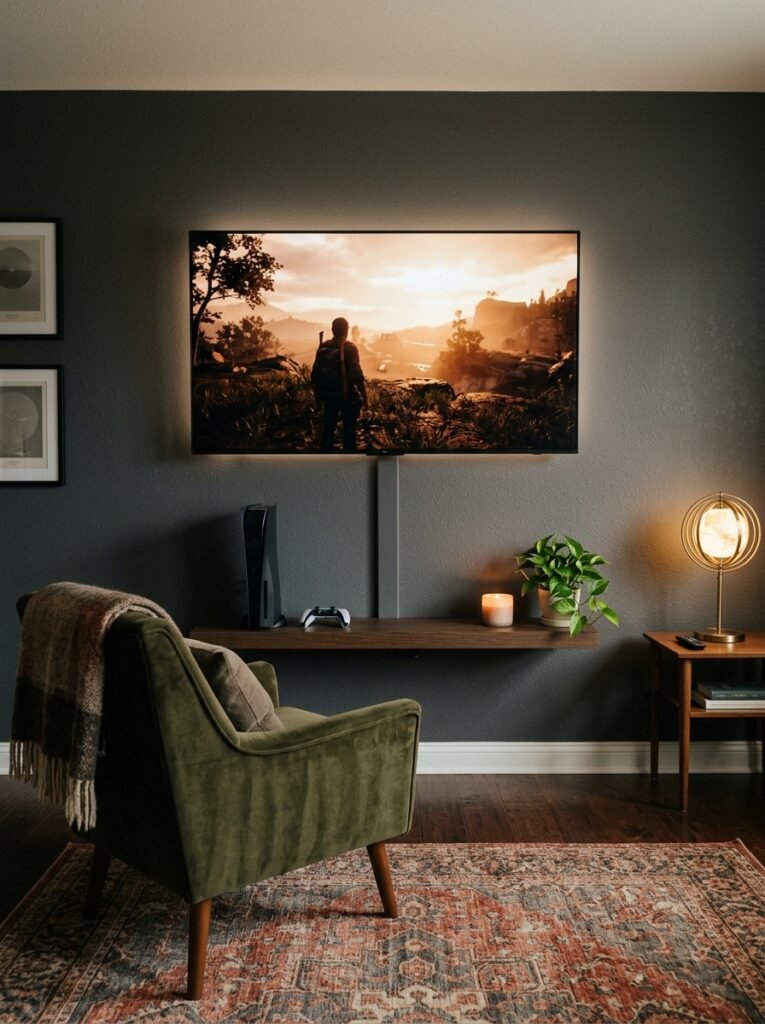
Mounting your TV on the wall frees up floor space and gives your gaming room a sleek, clean look!
Mount it so the center of the screen sits near eye level when you’re seated. Use a mount rated for your TV’s weight, anchor it into studs and hide the cables with a cord cover.
A wall-mounted TV makes your gaming setup look clean and cinematic!
Lighting and Walls
14. Add Monitor Backlighting
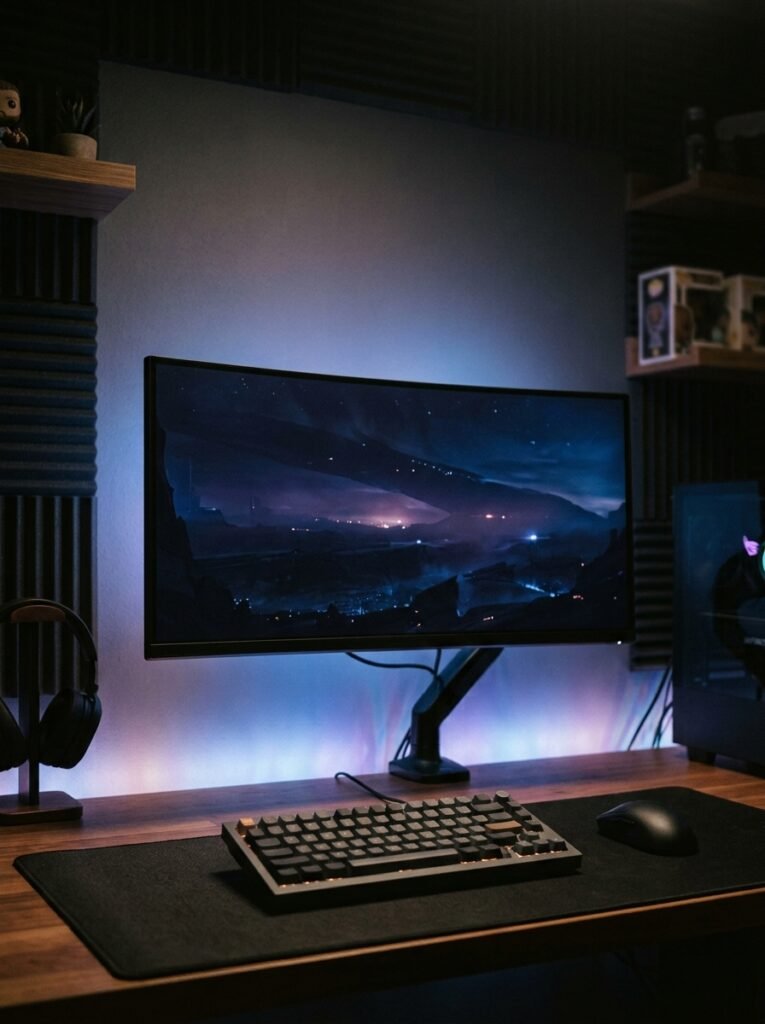
An LED light strip behind your monitor or TV adds a gorgeous glow and makes your setup look way more expensive!
It’s also easier on your eyes than playing in a pitch-black room, since it softens the contrast between your bright screen and the dark wall. Many sync with what’s on screen too.
Backlighting is a small upgrade that makes a big visual difference!
15. Hang Smart Light Panels
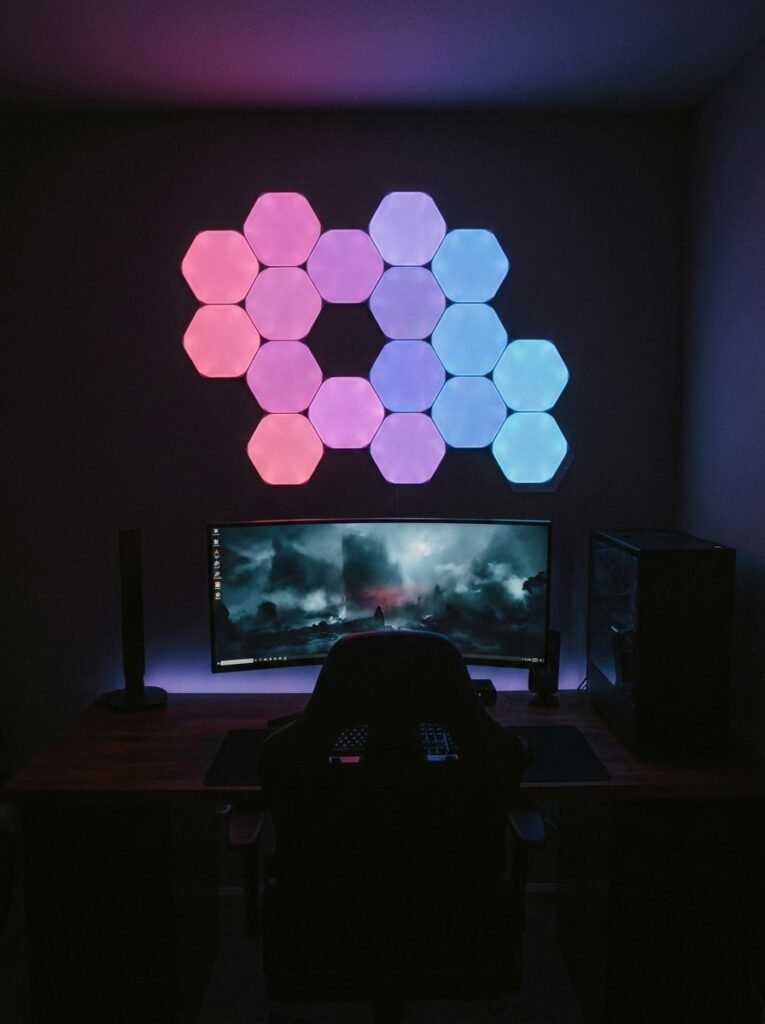
Hexagon or triangle light panels are a gaming room favorite! They turn a plain wall into a glowing, customizable feature. They look amazing behind your desk or on stream.
Arrange them in any shape you like, then change the colors and effects from your phone. Many can even react to music or match your game.
Smart light panels give your wall serious wow factor!
16. Add Acoustic Panels
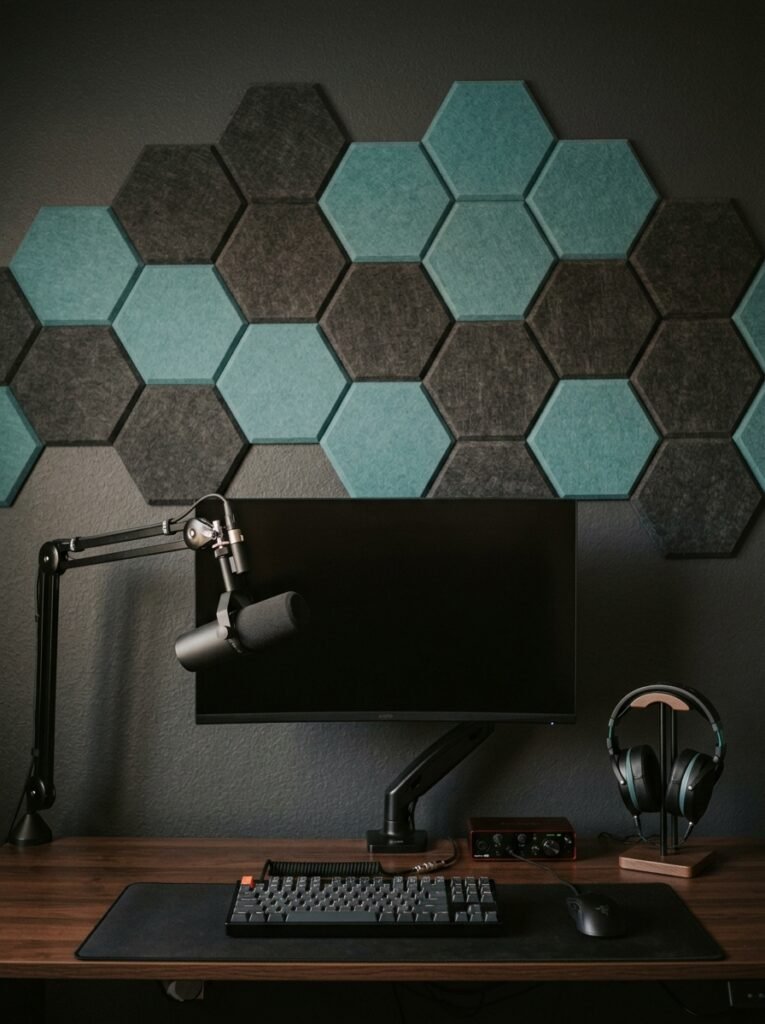
Acoustic panels are great for gaming rooms, especially if you stream or play with friends online! They reduce echo so your voice and game audio sound clearer.
Place them on the walls around your desk, at ear height. They come in fun shapes and colors, so they double as wall decor. Just know they cut echo, not full soundproofing.
Acoustic panels make your room sound better and look cooler at the same time!
17. Try an Accent Wall
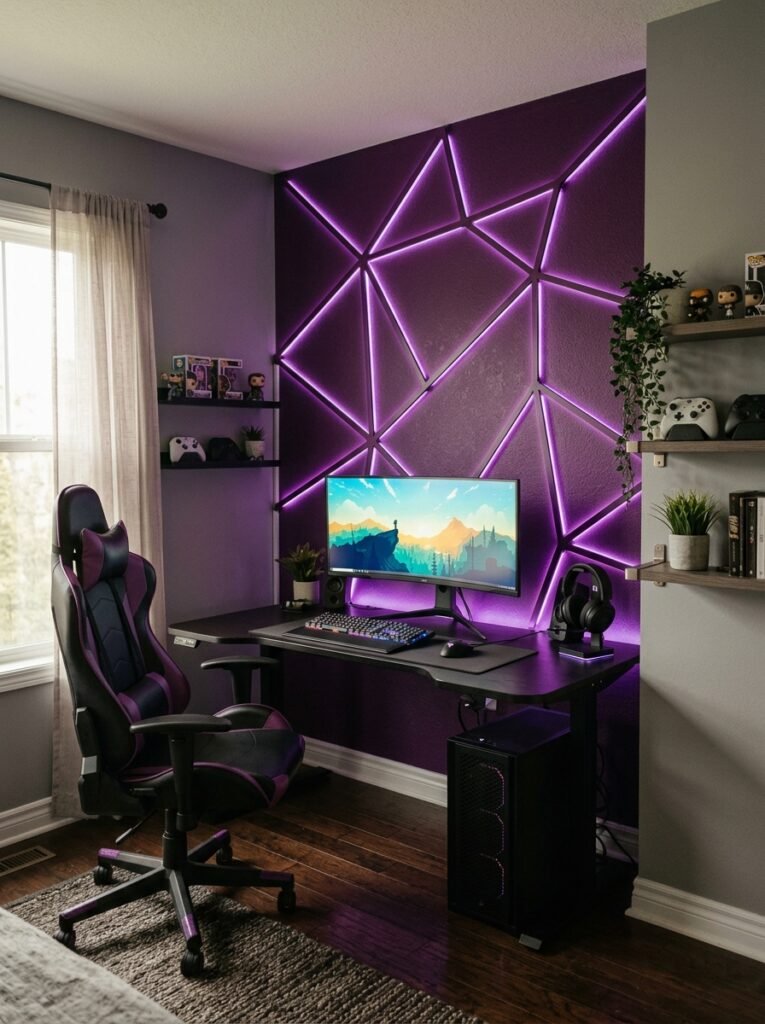
An accent wall is one of the easiest ways to make your gaming room feel custom! Dark colors like navy, charcoal or deep purple make lighting pop.
Try bold geometric stripes, a gradient, or a large mural or wallpaper behind your desk. Peel-and-stick wallpaper is perfect if you rent. Keep the other walls simple so the feature stands out.
One bold wall gives your whole gaming room personality!
Also read: 24 Wall Decor Ideas to Transform Your Empty Walls
18. Display Your Collectibles
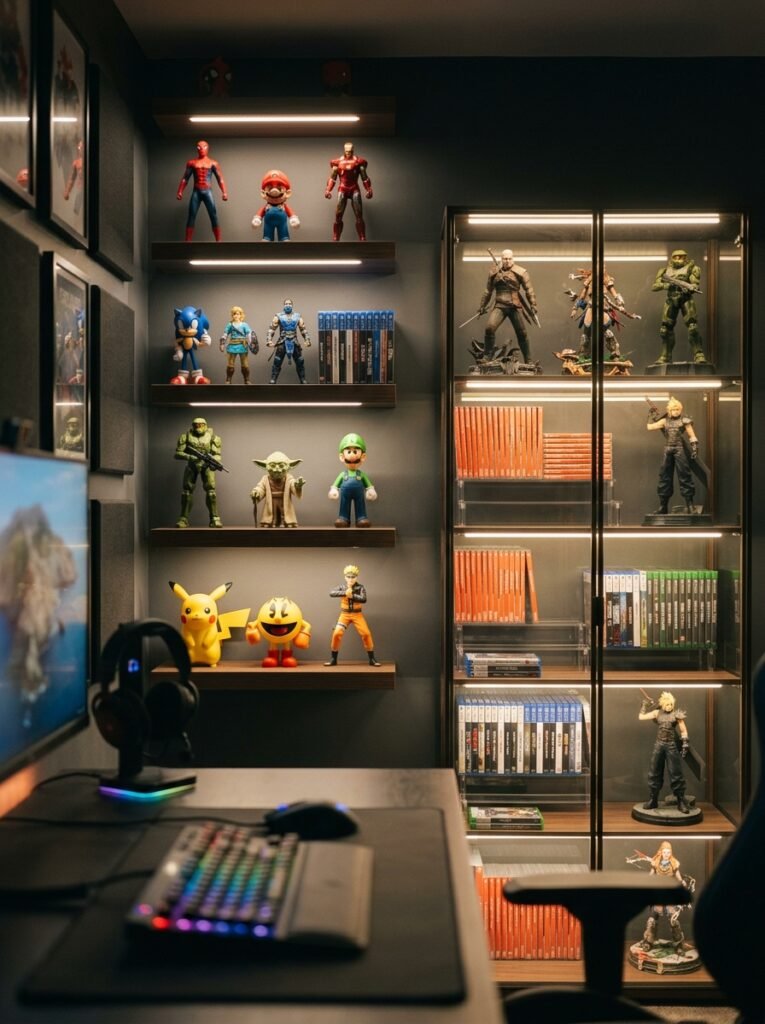
Show off your favorite figures, game cases and collectibles! Displaying them makes your gaming room feel personal and totally yours.
Floating shelves, glass display cabinets and grid shelves work great. Add small LED strips inside to light them up, and group items by series or color for a neat look.
Your collection becomes the coolest, most personal decor in the room!
19. Hang Blackout Curtains
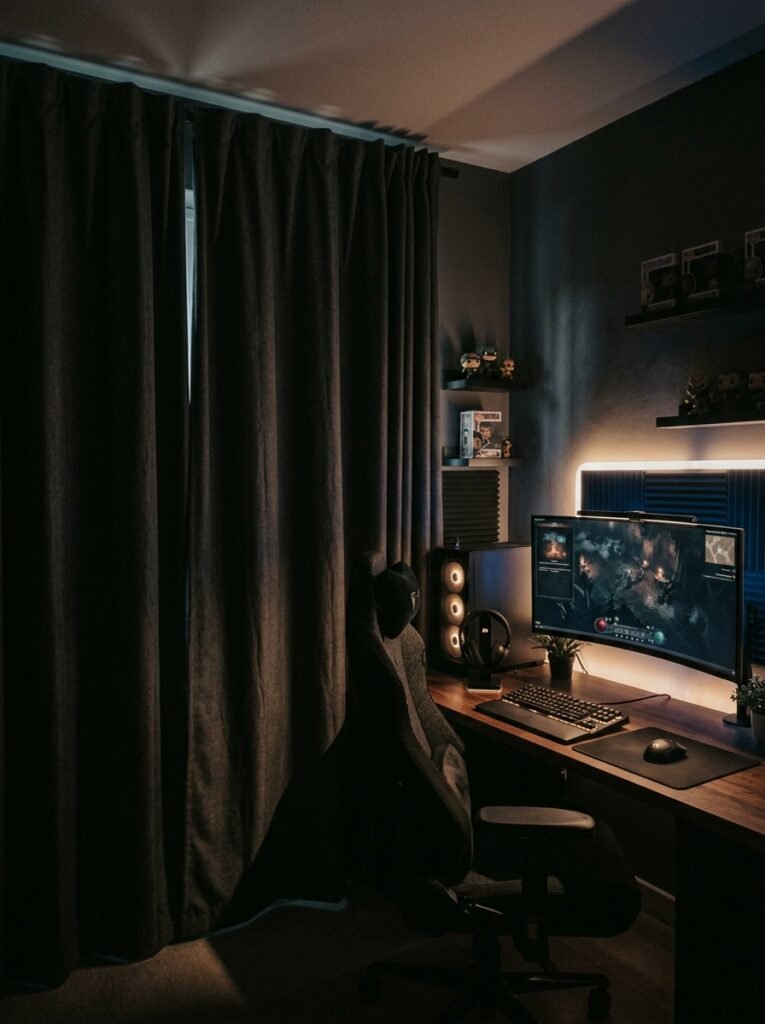
Glare on your screen is the worst! Blackout curtains block out sunlight so you can see your screen clearly at any time of day.
They also help keep your room cooler, which is great since gaming gear gives off heat. Pick dark gray or black to match your setup, and open them up for fresh air between sessions.
Blackout curtains give you the perfect gaming atmosphere, day or night!
Storage, Comfort and Smart Upgrades
20. Hide Every Cable
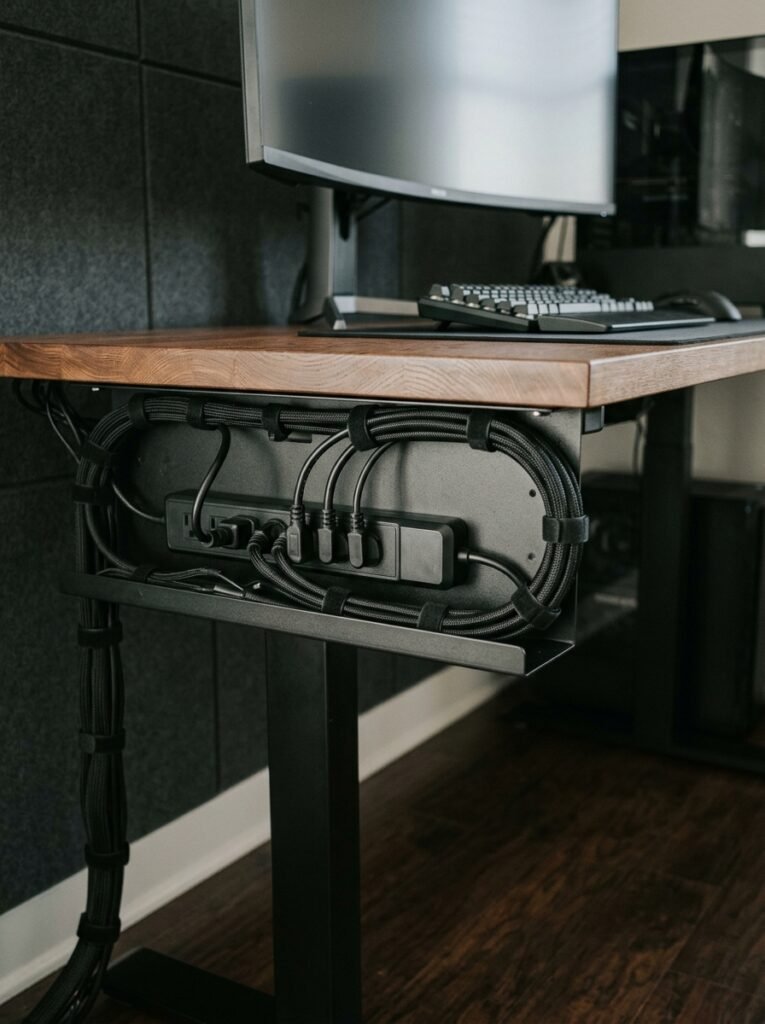
Messy cables can ruin even the coolest setup! These easy fixes keep everything neat:
- Cable tray: Mounts under your desk to hold the power strip.
- Cable sleeves: Bundle cords into one clean line.
- Velcro ties: Keep extra length tidy and easy to adjust.
- Surge protector: Protects your gear from power spikes.
Clean cables make your gaming room look instantly more pro, just don’t plug power strips into each other!
21. Organize Games and Controllers
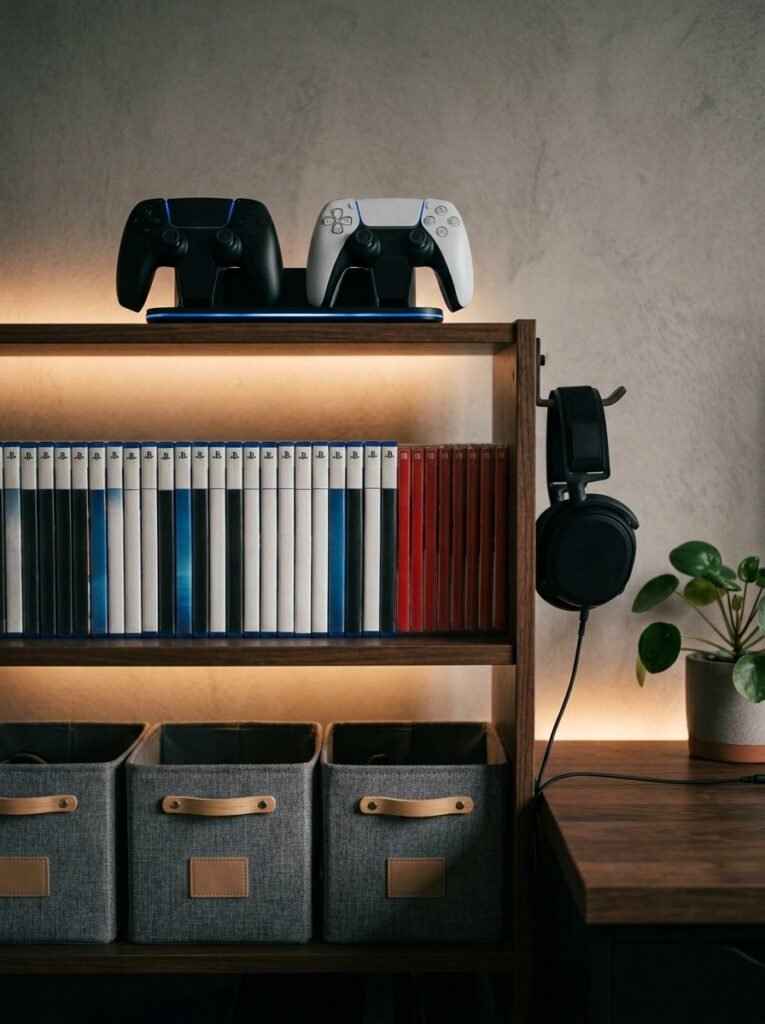
Controllers, headsets and game cases pile up fast! Give everything its own spot with a few simple organizers:
- Controller stand: Keeps controllers charged and on display.
- Headset hook: Clamps to your desk so your headset is always handy.
- Game shelves: Show off your physical games like a mini library.
- Storage bins: Hide extra cables, batteries and accessories.
Everything in its place means less time searching and more time playing!
22. Add a Snack and Drink Station
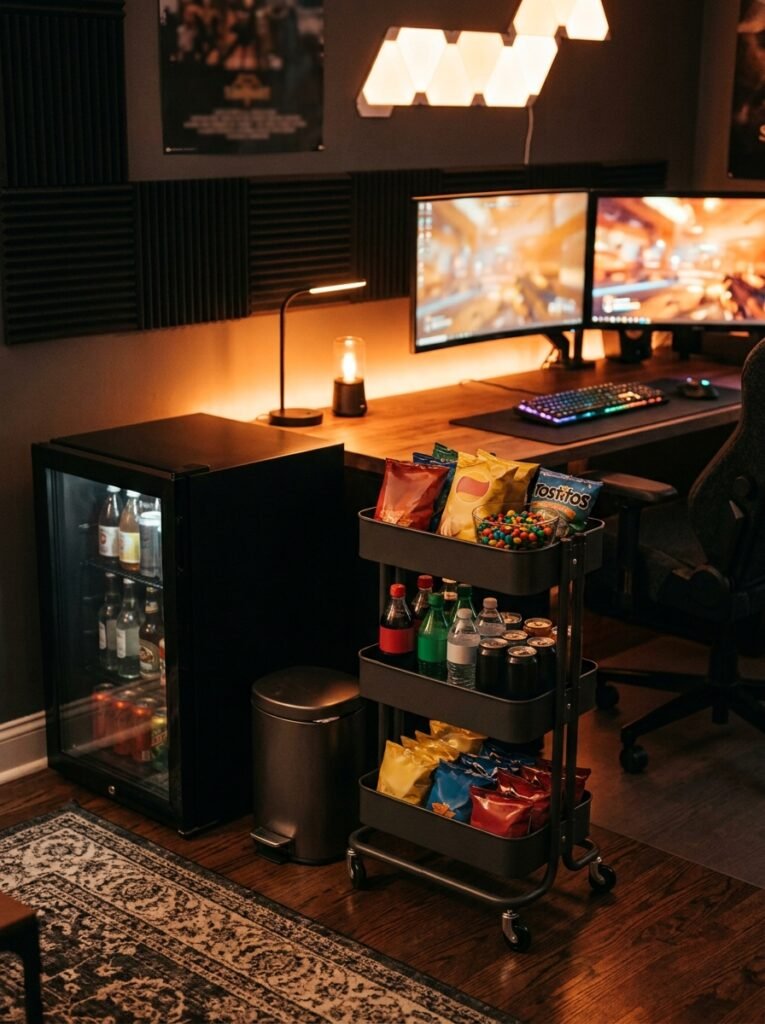
Long gaming sessions need fuel! A mini fridge and a snack cart keep drinks and snacks right where you need them.
Place it away from your desk and electronics so spills don’t reach your gear, and use lidded cups at your desk. Keep a small trash can nearby to stay tidy.
A snack station makes your gaming room feel like a proper lounge!
23. Fit a Gaming Corner Into a Small Room
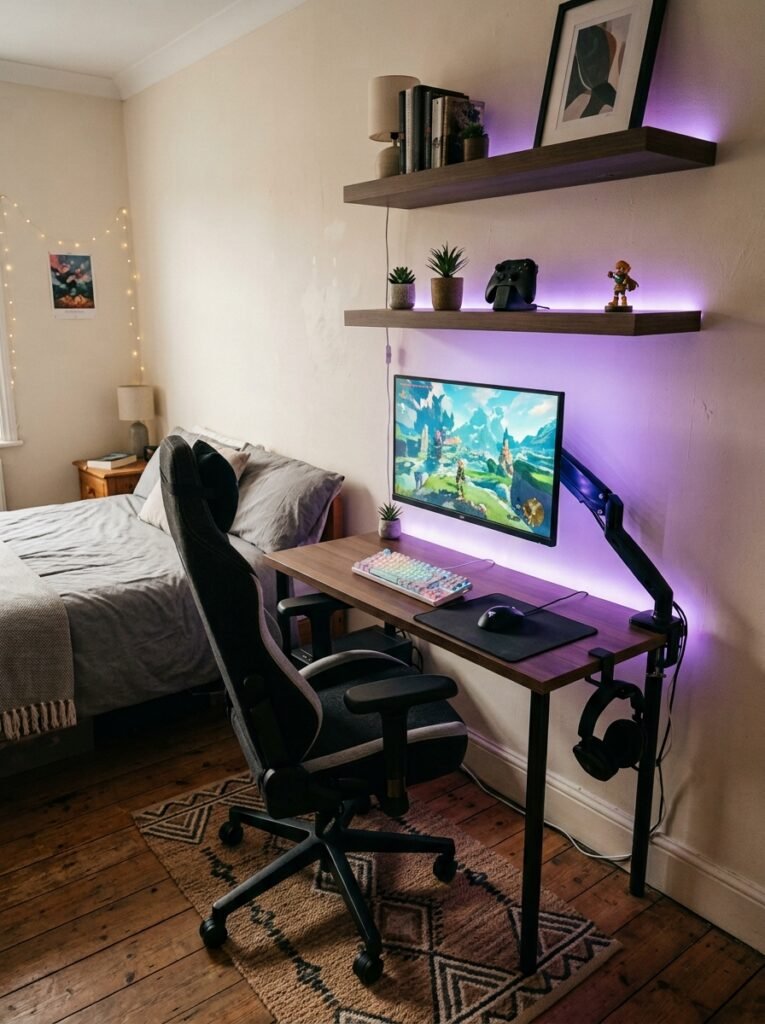
No spare room? No problem! You can create an amazing gaming corner in your bedroom or living room.
Use a compact desk, a monitor arm and wall shelves to save space. A rug and a bit of LED lighting help define the area so it feels like its own zone.
Even a small corner can become a gaming setup you’re proud of!
24. Keep Your Health in Mind
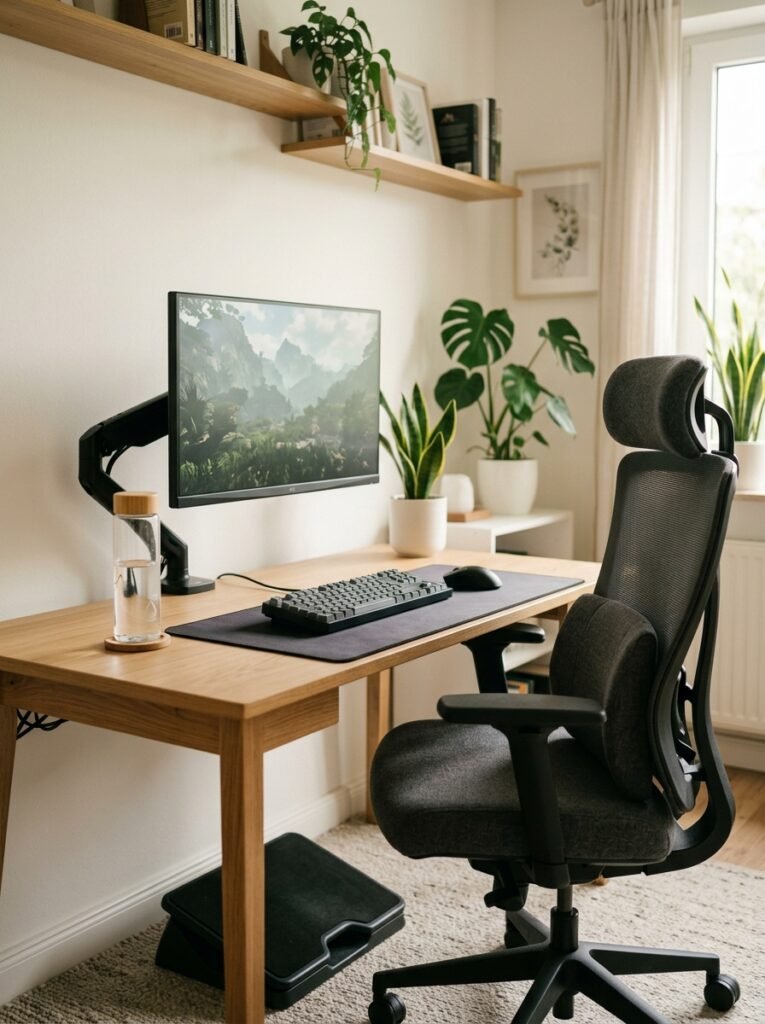
Your gaming room should keep you feeling good, even after long sessions! Build in these healthy habits:
- Screen at eye level: The top of your monitor at or just below eye level.
- Rest your eyes: Every 20 minutes, look at something 20 feet away for 20 seconds.
- Move around: Stand up and stretch every hour or so.
- Stay hydrated: Keep a water bottle within reach.
A healthy setup means you can game longer and feel better doing it!
Final Thoughts on Gaming Room Ideas
You don’t have to build your dream gaming room all at once. Start with the free stuff: clear the clutter, tidy your cables and set your screen at eye level.
Next, add the small upgrades that make the biggest difference, like LED backlighting, a comfy chair cushion or a controller stand.
Save bigger buys like a new desk, monitor arms or light panels for later.
Level up one piece at a time, and before long you’ll have a gaming room that feels like it was made just for you!
Gaming Room Ideas FAQ
Start with LED strip lights, tidy cable management and a bold accent wall, which all make a big impact for little money.
Add a few posters, plants or collectibles to make it feel personal.
Dark colors like charcoal, navy and deep purple make RGB lighting pop and reduce screen glare.
If you prefer a brighter space, an all-white or pastel setup looks clean and works great on camera.
Playing in total darkness can make your eyes work harder because of the contrast between the bright screen and the dark room.
Soft backlighting behind your monitor or TV helps reduce eye strain.
Use a compact or corner desk, mount your monitor or TV, and add wall shelves to keep the floor clear.
Hiding cables and sticking to one color scheme also makes the space feel calmer and bigger.
Give your PC and consoles plenty of space around the vents, avoid enclosed cabinets without airflow, and dust them regularly.
Keeping the room cool with a fan or blackout curtains also helps.